

Caregiver Portal
A Caregiver Portal to Your Child’s/Children’s Information.
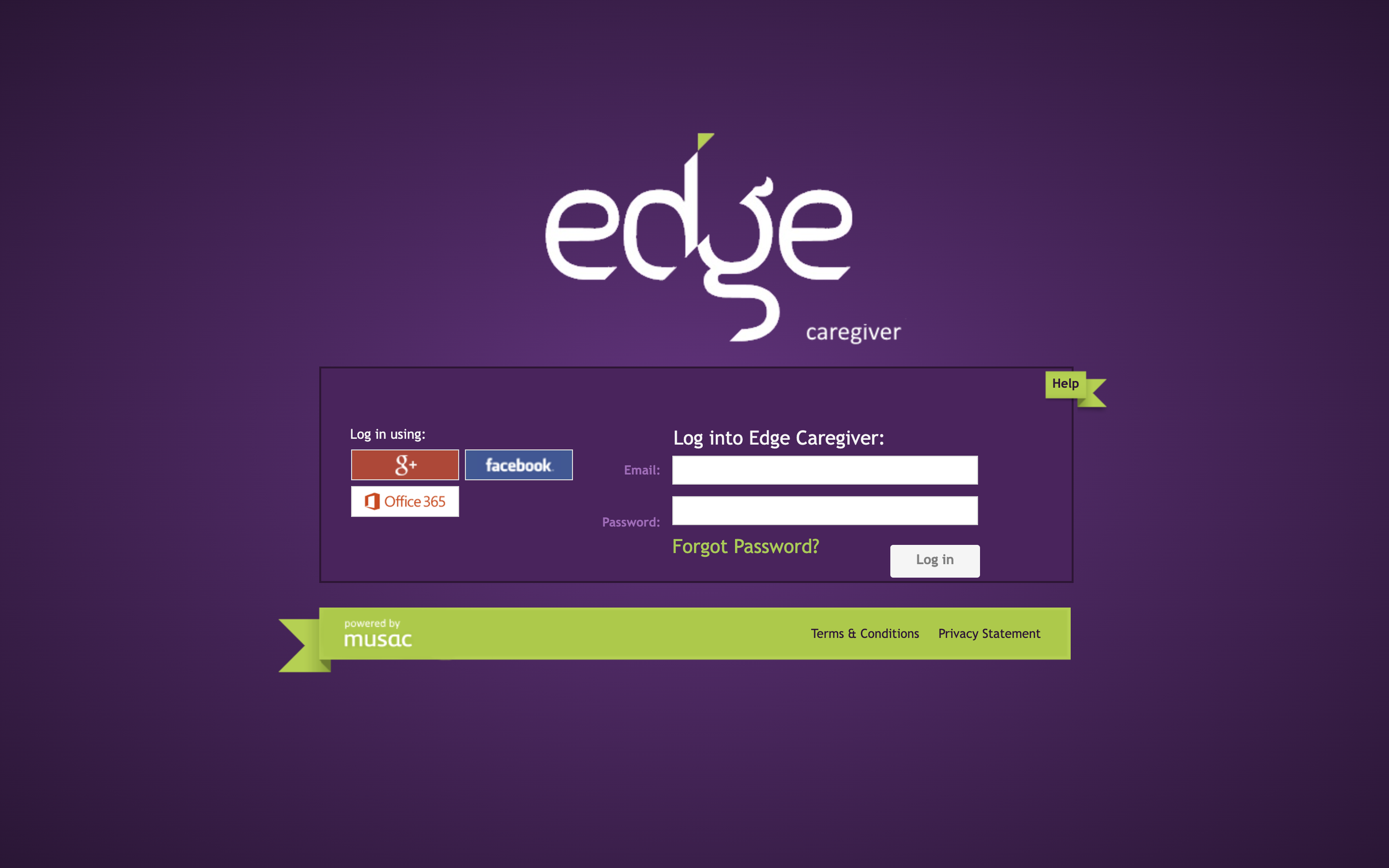
The Edge Caregiver Portal
To logon, you must use the same email address that the school holds for you.
1. Go to https://parent.edgelearning.co.nz/
2. Enter your email and click “Forgot password?”
3. Set your new password via the emailed link.
4. Log in, then select your child's name to see their attendance, reports, and payments.

The Edge App
*This is the preferred method of communication for absences
as it will automatically update your child’s attendance.
First-Time Setup for the EDGE App:
1. Download the app (Apple/Android).
2. Install and set your PIN (enter twice).
3. Enter email and password and Log in.